
Styles that follow your chords
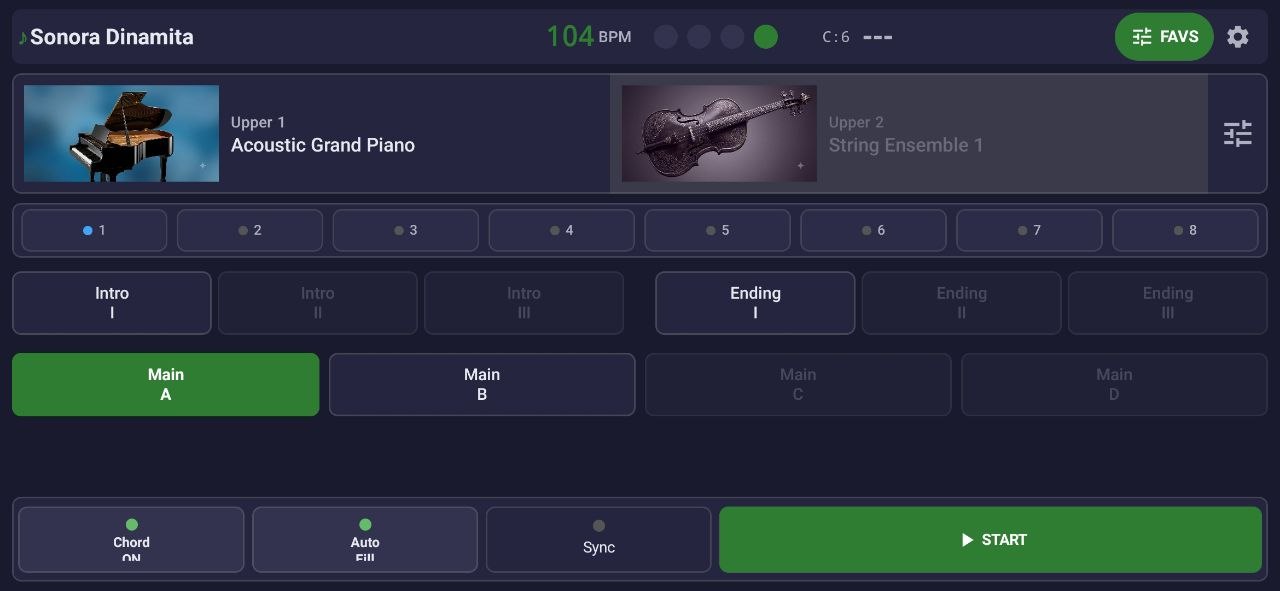
Intro, Main A–D, Fills, Break and Ending synced to the beat. Play a chord with your left hand and the whole band follows you — like a Genos, but on your Android.
Connect your MIDI keyboard to your Android and play with full band accompaniment — drums, bass, guitars and more — following your chords in real time. Cumbia, grupero, norteño, salsa… made for the Latin popular musician.
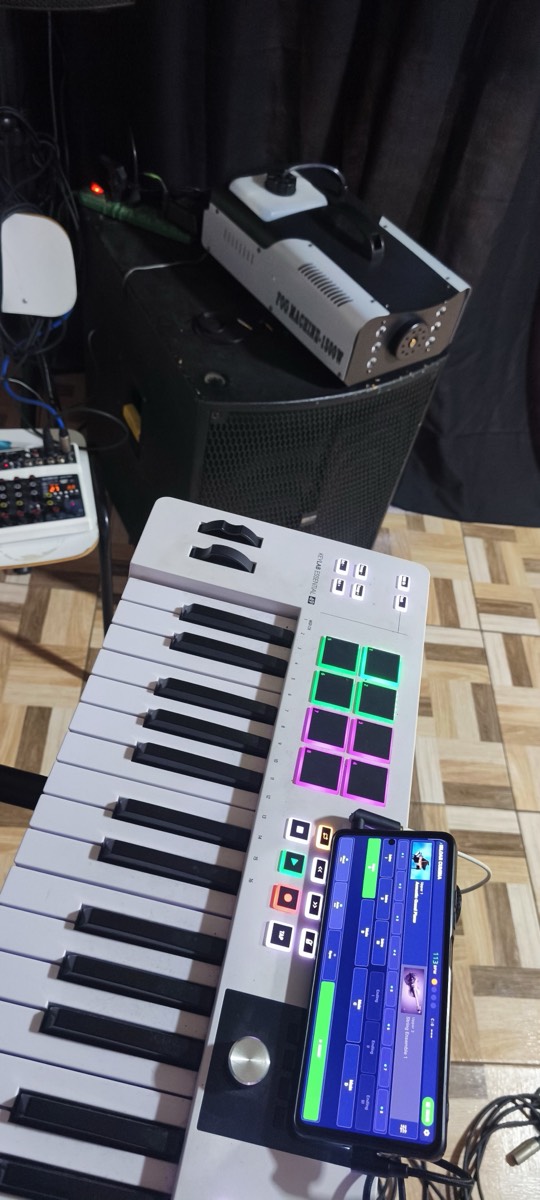
Live: MIDI keyboard → Neto's Arranger on the phone
Meanwhile, the band's keyboardist has to sound like a full band while playing alone. The solution wasn't another generic app: it was a real arranger, on the phone already in your pocket.
Designed for the stage, not for a record label's rehearsal room.
Intro, Main A–D, Fills, Break and Ending synced to the beat. Play a chord with your left hand and the whole band follows you — like a Genos, but on your Android.

34 Yamaha-style chord types in 4 modes: Single Finger, Fingered, Full Keyboard. Zero setup: plug in and play.

Edit or create your own rhythms on the phone: piano roll, swing quantizer, layer recording and MIDI import. Your styles, your rules. (PRO)
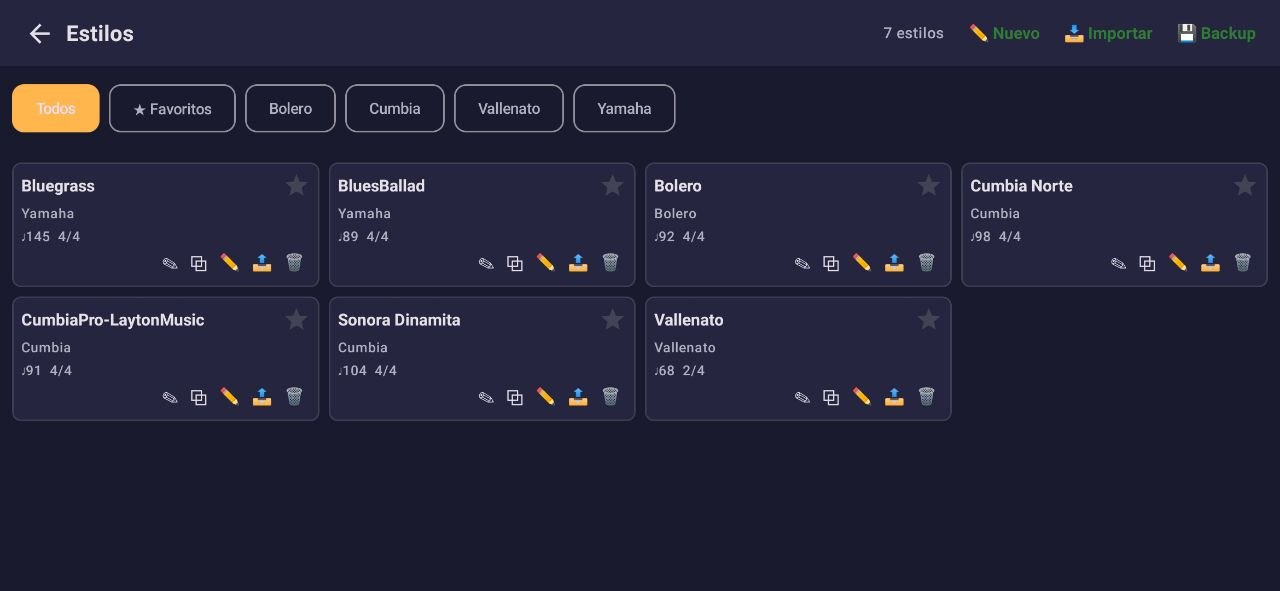
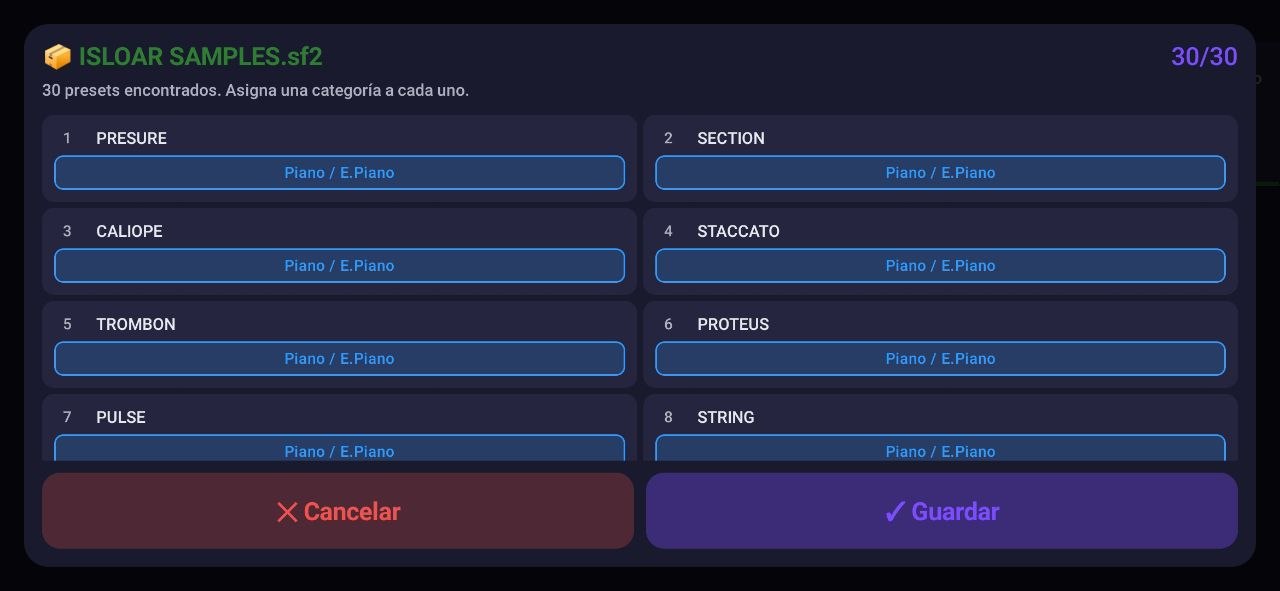
Years of collected .sty files? Import them as-is with the 3-step wizard and keep using your material. (2 in FREE, unlimited in PRO)

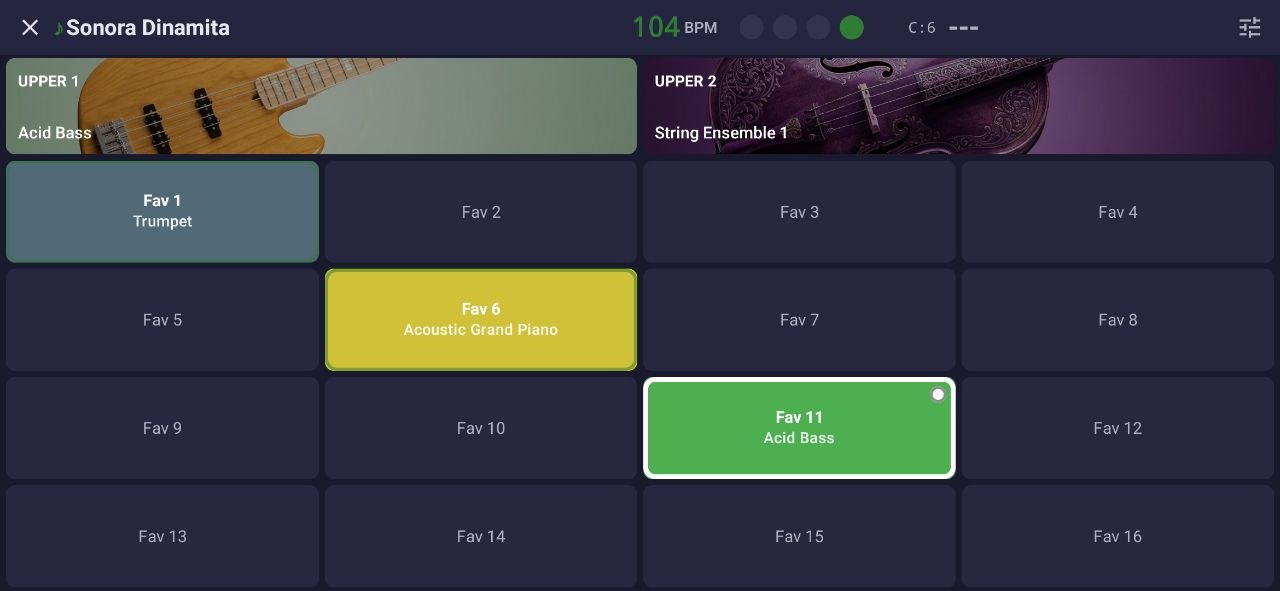
Screen optimized for playing at night: 16 favorite sounds one touch away, Upper 1 and 2 always visible, tempo at hand. No searching mid-song.

Map your keyboard's knobs, sliders and pads to anything: volume, BPM, fills, section changes. Run the app without taking your hands off the keys.
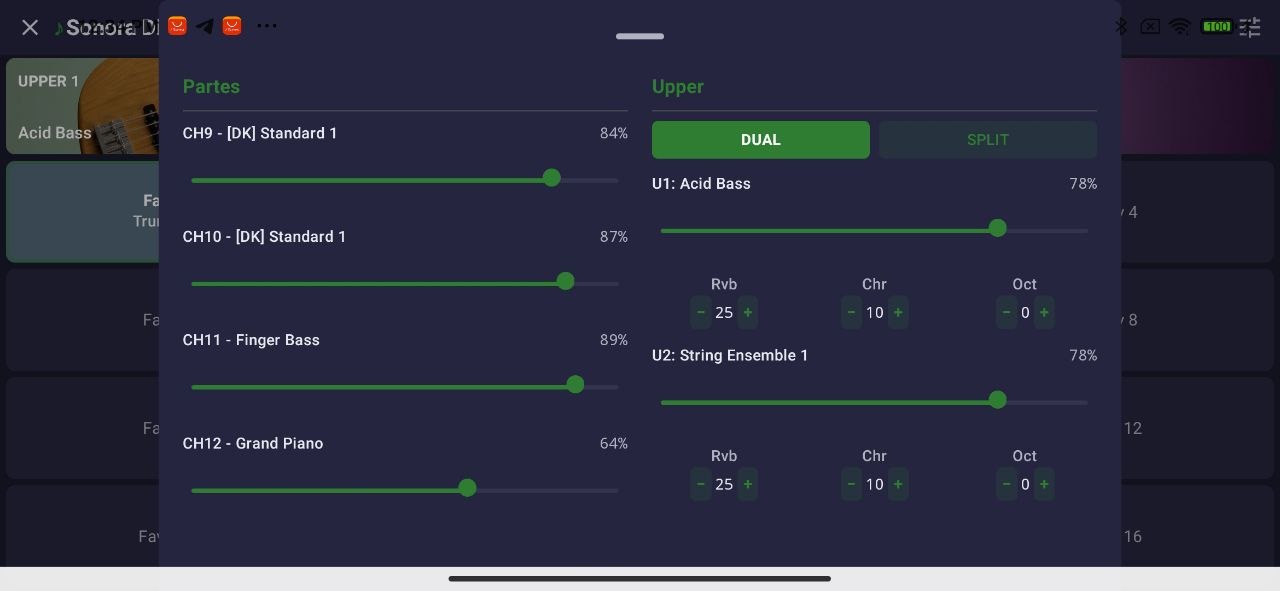
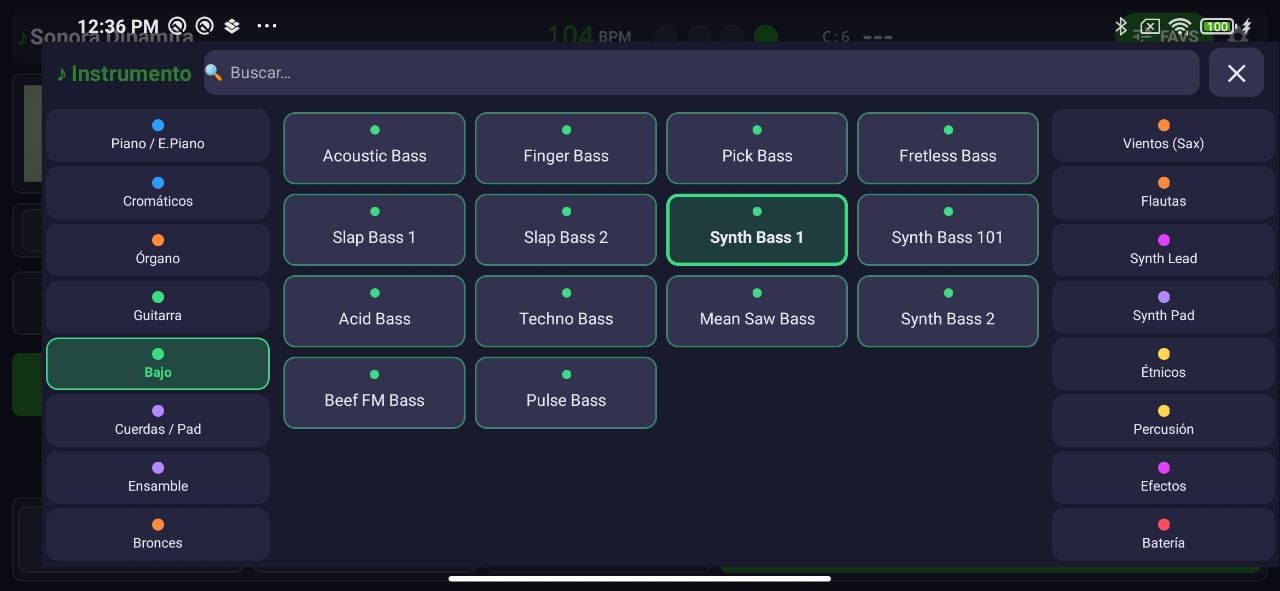
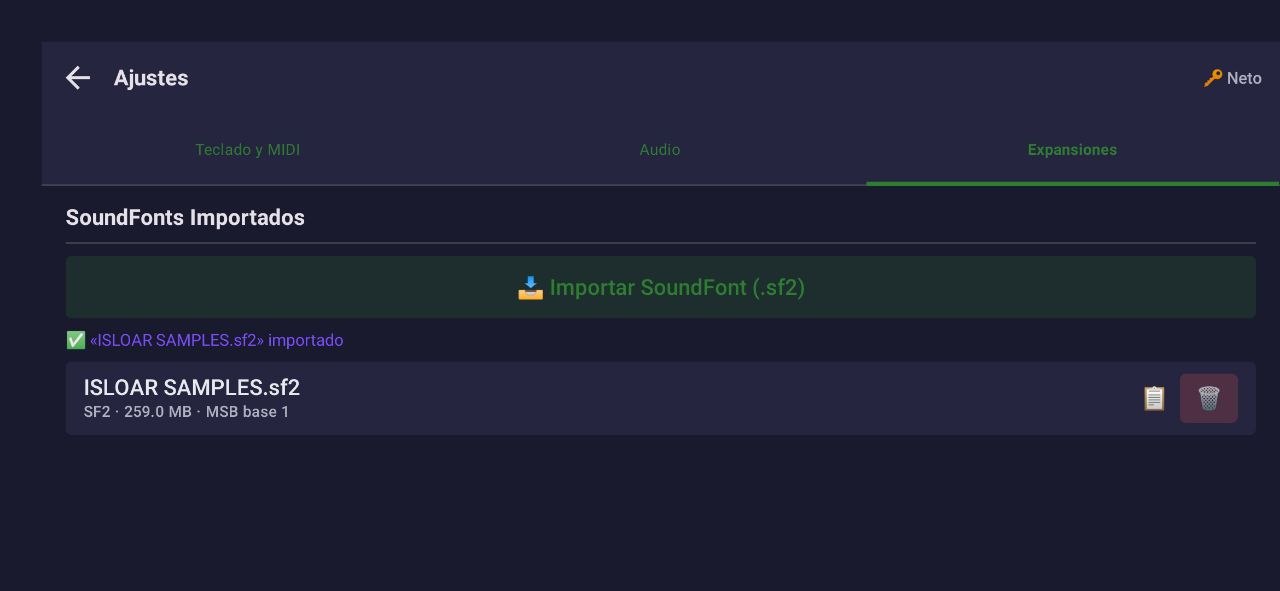
+ SF2/SF3 SoundFonts, 2 Upper voices with DUAL/SPLIT, 4-slot OTS, USB-MIDI and Bluetooth, configurable audio output, true dark mode.
Via USB or Bluetooth MIDI. Any class-compliant controller works — no specific brands or drivers required.
Cumbia, norteño, ballad, charanga… Preview it with a C chord before deciding.
Chords with your left hand, melody with your right. Change sections and fills on the fly, synced to the beat.
Real videos of the app in use and screenshots of every screen.
📺 More demos and app videos on our YouTube channel @NetosArranger
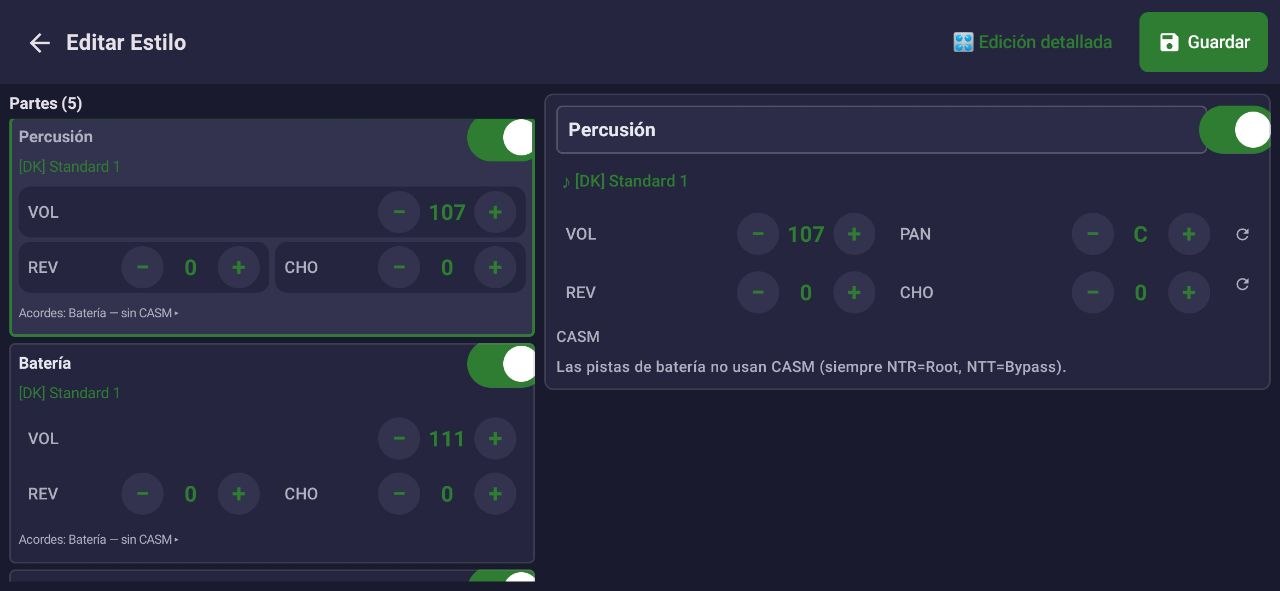
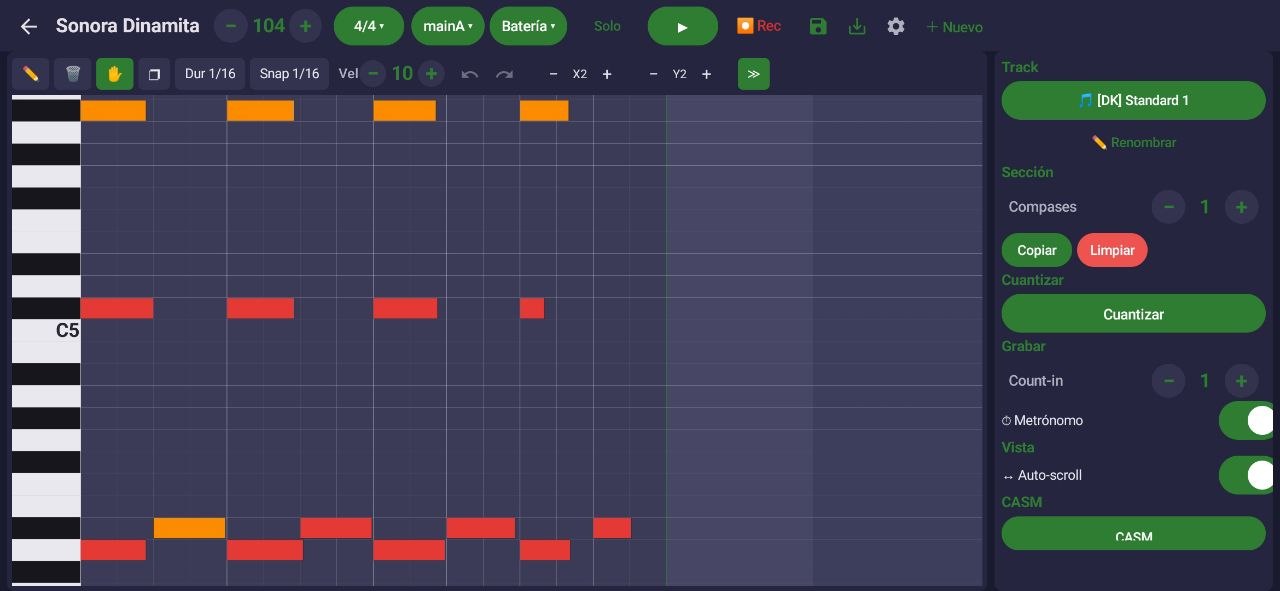
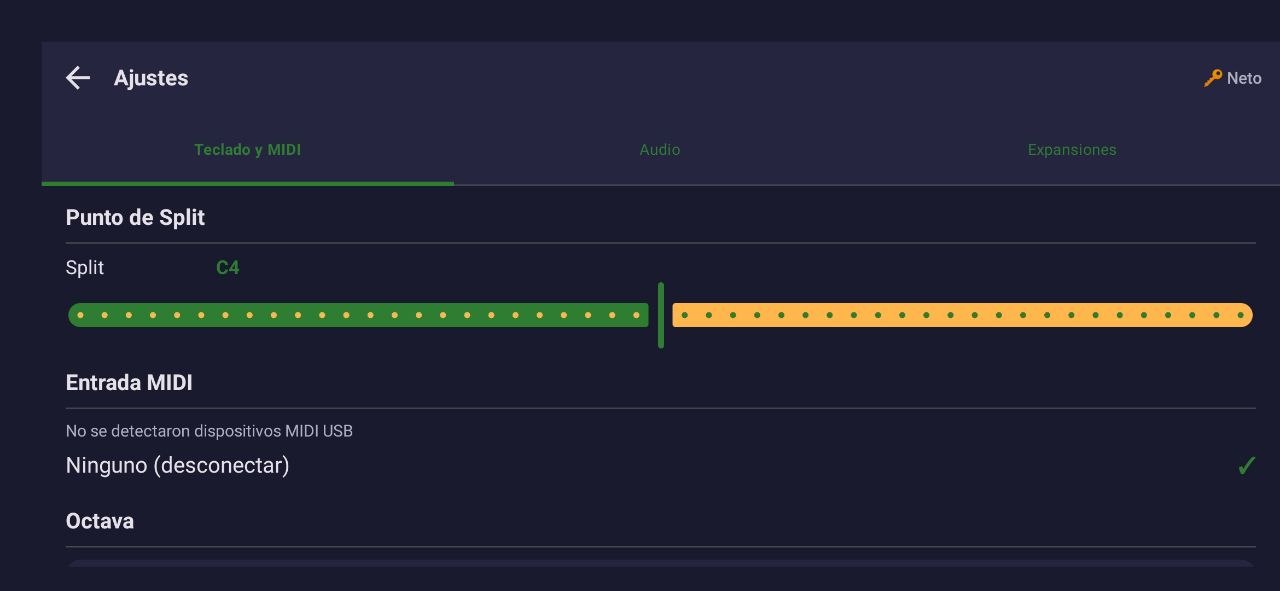
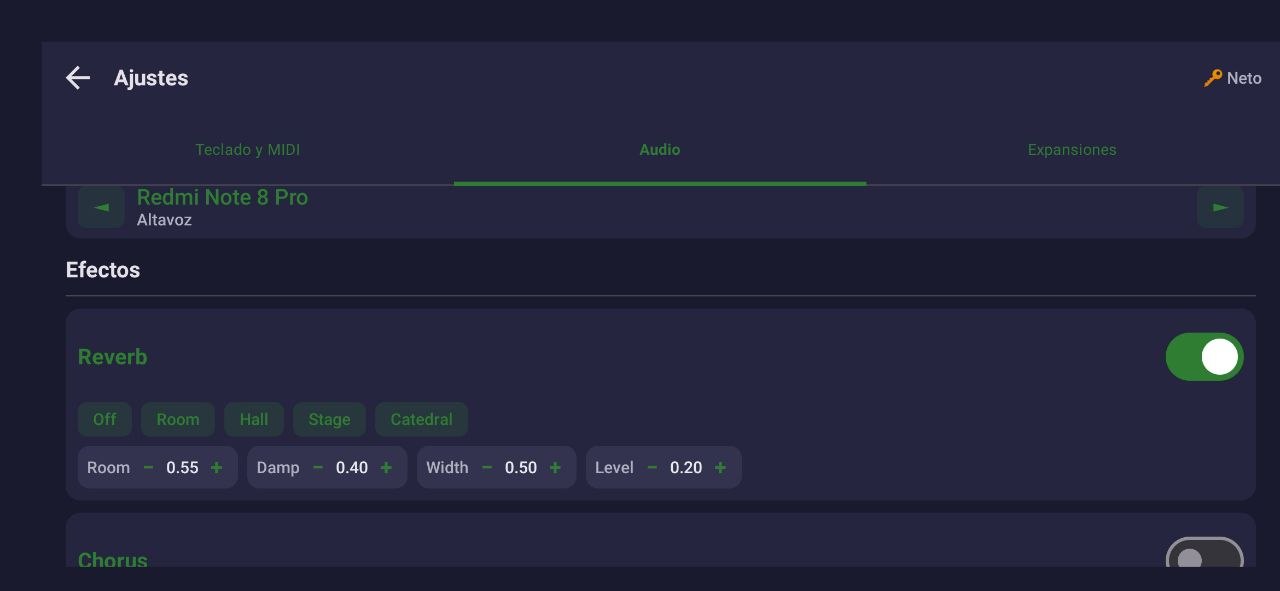
The FREE version sounds like the full band at the gig. PRO unlocks everything: unlimited playback, unrestricted styles, sequences and SoundFonts and the complete editor — a single payment made inside the app, no subscriptions.
| Feature | FREE | PRO |
|---|---|---|
| Playing live: styles, fills, sections and chords | ✅ | ✅ |
| LIVE mode (16 favorites), OTS and mixer | ✅ | ✅ |
| USB/Bluetooth MIDI with MIDI Learn | ✅ | ✅ |
| Playback per session | 1 minute * | ✅ Unlimited |
| Import styles (.sty Yamaha / MIDI) | 2 styles | ✅ Unlimited |
| Import MIDI sequences (.mid) | 3 songs | ✅ Unlimited |
| Import your own SF2/SF3 SoundFonts | — | ✅ Unlimited |
| Style Creator: save and export | Try only | ✅ Full |
| Price | $0 forever | $15 USD one-time · purchased inside the app |
* When the minute is up, just hit play again — as many times as you want. Perfect for trying before buying.
Any MIDI controller keyboard with USB or Bluetooth MIDI output (class-compliant). Works with common brands: M-Audio, Casio, Yamaha, Roland… 49, 61 or 88 keys — it doesn't matter.
An Android 9 or higher with ~150 MB free. It doesn't need to be high-end: it's been tested on mid-range phones playing full styles without dropouts.
On Google Play, Android's official store: search for "Neto's Arranger" or go straight here. The download is free and updates arrive automatically.
From within the app: tap any FREE-version limit and choose Buy. It's a one-time $15 USD payment processed by Google Play with your Google account — no keys, no emails. It's tied to your account: if you change phones or reinstall, tap Restore and it re-activates by itself.
No. Reach out through our support channels with your proof of purchase and we'll send you a code to unlock PRO at no cost.
Yes, 100% offline. It downloads nothing during the show and needs no signal — everything runs locally on your phone. Stage with no Wi-Fi? No problem. (Only the download and the purchase need internet, obviously.)
Yes. The importer reads Yamaha's SFF1 format with a 3-step wizard. The FREE version allows 2 trial imports; PRO is unlimited.
The audio engine is native (C++), with target latency under 15 ms — imperceptible live. Connecting a USB audio interface lowers it even further.
1 minute of playback per session (you can hit play again as many times as you want), max 2 imported styles and 3 imported MIDI sequences, no importing your own SoundFonts, and no saving Style Creator edits. When you hit a limit, the app offers to unlock PRO.
You can go out through the phone's headphone jack or connect a USB audio interface. The sound comes from professional SoundFonts with a dedicated drum kit.
Download it free from Google Play and try it at your next gig.
When you want everything unlimited, PRO unlocks inside the app — one-time $15 USD.
Free to try · One-time in-app payment · Restores with your Google account